- This topic has 0 replies, 1 voice, and was last updated 7 years, 4 months ago by .
Viewing 1 post (of 1 total)

You must be logged in to reply to this topic. Login here
Tagged: Accounts, Membership
Step 1: In the top-bar of the website click on “Buy Membership Now!”

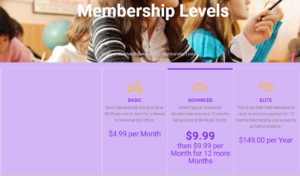
You will be directed to the Membership Levels Page:

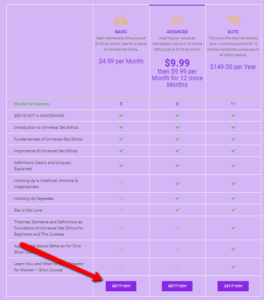
Step 2: Study all the Membership Levels to be sure what each Level offer.

Step 3: After you have selected the Membership Level that is perfect for you; click the “Get It Now!” button at the bottom of the level you have chosen.
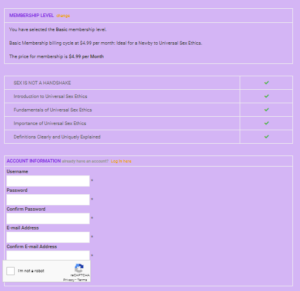
Step 4: Fill in the Form.

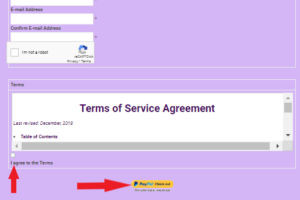
Step 5: Read and Agree to the Terms.

Step 6: Click the PAYPAL Checkout button and follow the instructions to complete Payment.
You will receive a confirmation email – follow the link supplied to login to USE and start your first course.
GOOD LUCK!
You must be logged in to reply to this topic. Login here